Workshop Overview
Building a custom BSP shouldn’t take days.
But for most embedded teams, it still does.
Developers dig through documentation, reverse-engineer examples, and fight with Devicetree, Kconfig, and build systems just to get hardware running. It’s slow, error-prone, and hard to scale.
AI changes that.
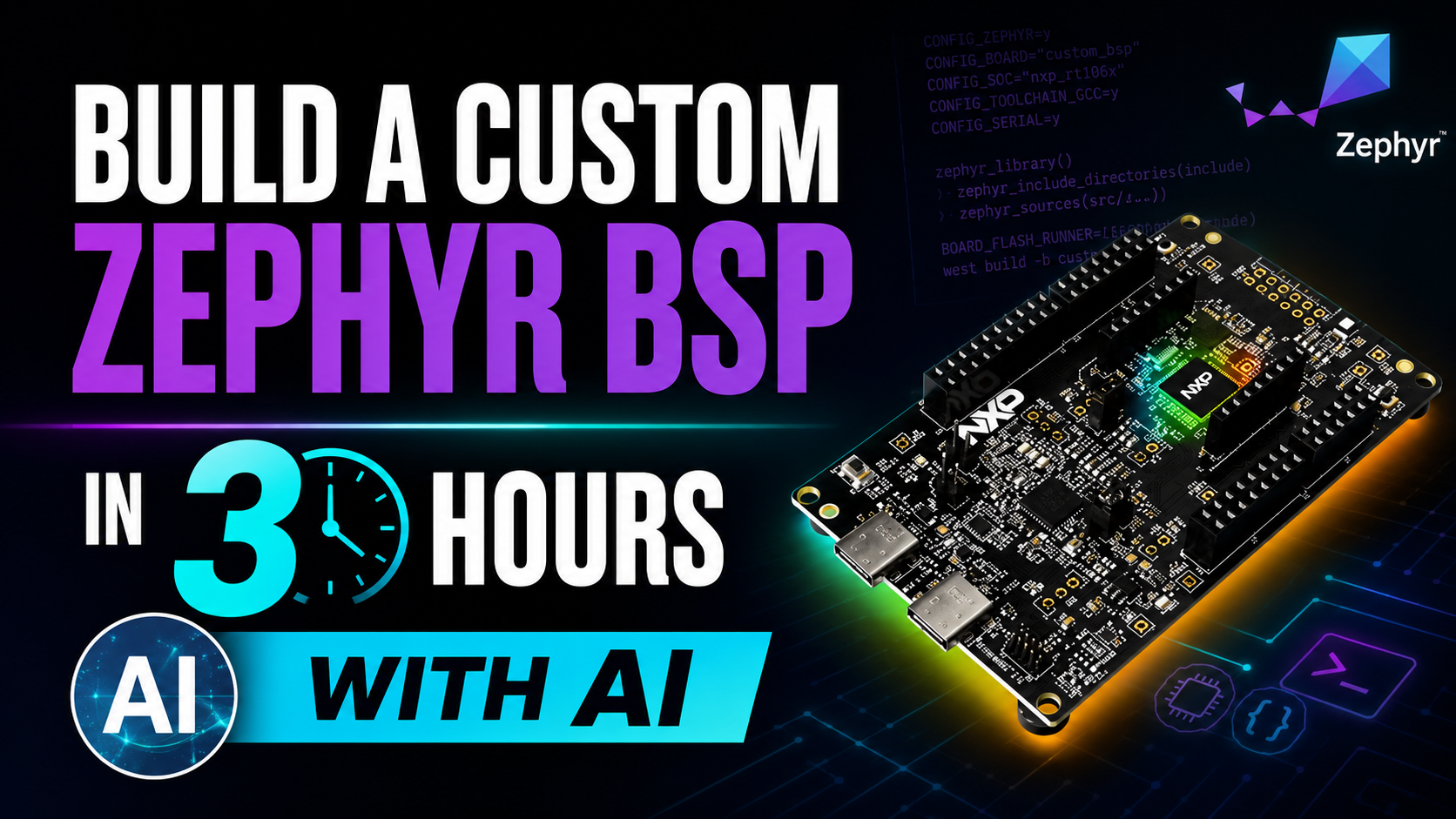
In this fast-paced, hands-on workshop, you’ll build a custom Zephyr BSP from scratch in just 3 hours by using AI as your development partner. Instead of piecing together fragmented knowledge, you’ll learn how to guide AI to generate board configurations, validate your setup, and accelerate hardware bring-up without losing control of the system.
We’ll start with a quick overview of how Zephyr abstracts hardware and what a BSP actually consists of. Then you’ll immediately apply that knowledge by building your own board support package step-by-step. Along the way, you’ll use AI to assist with Devicetree configuration, board definitions, peripheral setup, and build integration, while learning how to critically evaluate and refine the results.
This is not about replacing the engineer. It’s about amplifying what you can do.
By the end of the workshop, you won’t just understand how Zephyr BSPs work. You’ll have built one yourself and developed a repeatable, AI-assisted workflow that can cut your hardware bring-up time dramatically.
What You’ll Learn
- What a Zephyr BSP includes and how the pieces fit together
- How to create and configure a custom board using Devicetree and Kconfig
- A practical, repeatable process for bringing up new hardware in Zephyr
- How to use AI to accelerate BSP development while staying in control
- Best practices for building portable, maintainable hardware abstractions
If you’re still bringing up hardware the same way you did five years ago, this workshop will show you a faster, more scalable approach.
Build Your First AI-Assisted Zephyr BSP
Register Now — $95What You’ll Build
The session is structured as a single workshop with four hands-on labs (plus a pre-work environment-setup lab so the live time is spent building, not configuring). You’ll work the same project end-to-end, building up a complete custom BSP step by step.
Lab 0 (Pre-work): Environment Setup
Done before the live session so we can hit the ground running. You’ll set up Docker, the Zephyr toolchain container, and Claude Code. A verify.sh script confirms your machine is ready — you’ll see a series of green checks ending in VERIFY OK.
Lab 1: Scaffold the Board
Use the zephyr-bsp-scaffold skill to generate the BSP four-file skeleton (device tree, Kconfig.<board>, defconfig, pinctrl) from a working reference board. Learn how the scaffold skill checks its own output before you commit anything.
Lab 2: UART Console
Wire up serial console output using the devicetree-author skill, then verify with build-doctor when something inevitably doesn’t compile the first time. You’ll see how the AI cites the actual Zephyr bindings instead of guessing.
Lab 3: GPIO LED
Blink an LED on the FRDM-MCXA156 using devicetree bindings and the kconfig-tuner skill. Small lab, big payoff: this is the “is my BSP actually alive” moment.
Lab 4: I2C Sensor
Read from an I2C sensor end-to-end — the most realistic peripheral integration of the workshop. Then verify the build under Renode using the renode-runner skill, so you have a working flow even if hardware is unavailable later.
Hardware
Attendees have several options for the hardware they choose to use for the labs:
- The NXP FRDM-MCXA156 development board
- For attendees that don’t get their hardware in time, I provide a FRDM-MCXA156 Renode simulation model
- Pick your favorite development board supported by Zephyr. (Several hundred students have taken this course and so far it’s worked [fingers crossed!])
Build Your First AI-Assisted Zephyr BSP
Register Now — $95Ready to get started?
Enroll Now — $95Or get access to all courses with the Embedded Software Academy — $295/yr
Need Custom or On-Site Training?
Fill out the form below and we'll contact you about your requirements.