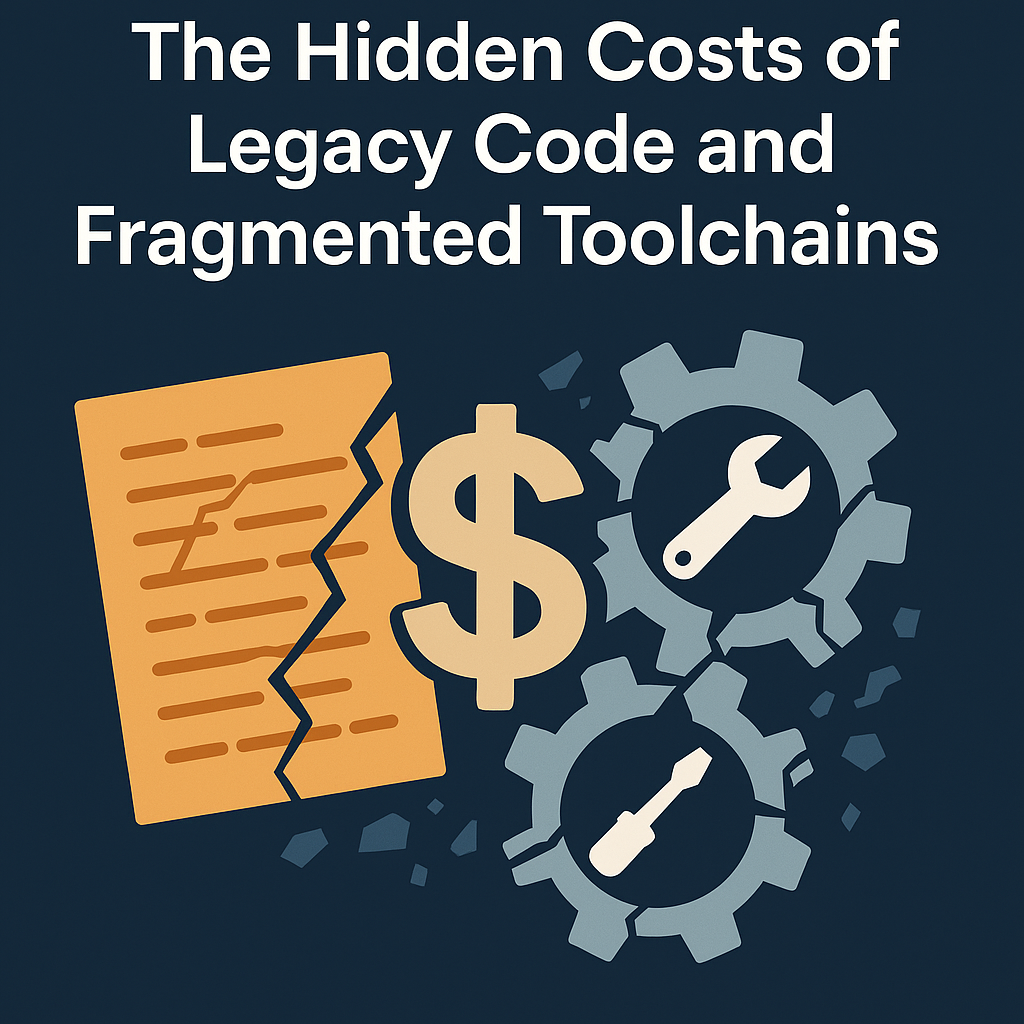
Legacy Code and Fragmented Toolchains Are More Expensive Than You Think (And How to Solve Them)
Most embedded teams don’t realize how expensive some “innocent” embedded development practices are costing them.
A quick workaround here, a reused build script there, these decisions feel harmless when shipping is the top priority. But over time, they morph into fragmented toolchains, tribal knowledge, and brittle systems that slow everything down.
At Beningo Embedded Group, we see this pattern all the time: engineering momentum quietly eroded by friction no one’s tracking until the whole system slows to a crawl.
What once felt like engineering momentum turns into invisible drag: wasted hours, delayed onboarding, fragile integrations, and compliance headaches.
And the worst part? It’s all avoidable with the right foundation in place.
In this article, we’ll explore the high cost of fragmentation, real-world impacts, and how unified toolchains can break the cycle.
We’ll also show you how to eliminate costs without breaking production.
What is Toolchain Fragmentation?
Fragmentation in embedded systems doesn’t always look like chaos. Often, it looks like teams quietly adapting to legacy decisions, working around mismatched tools, and carrying the weight of inconsistent environments.
You might see it across product lines: one product uses a proprietary vendor IDE, another uses Makefiles and GCC, while a third runs on an ancient build system no one wants to touch. Teams inherit this patchwork through organic growth, mergers, or platform constraints. It becomes “just how things are.”
Fragmentation often stems from:
- Supporting multiple microcontroller architectures, each with bespoke toolchains
- Legacy codebases tied to outdated or discontinued build systems
- Siloed development practices across teams or regions
- A lack of enforced standards for builds, IDEs, or CI/CD workflows
The symptoms are subtle but painful:
- Onboarding new developers takes longer, with more tribal knowledge needed
- Builds fail inconsistently depending on who runs them
- Integrating changes across product lines is error-prone and time-consuming
Left unaddressed, these patterns calcify into the team’s culture. And that’s when the real cost begins to mount.
There are at least four expenses you need to pay if you don’t address them as soon as possible:
- Team Velocity
- Onboarding
- Integration
- Compliance
Let’s dive into each one.
Cost #1: Velocity Drain
Every embedded team eventually hits this wall: the more projects you support, the more tools you accumulate.
And before long, you’re spending more time maintaining build environments than writing software.
Here’s how it shows up:
- Developers switch between multiple IDEs depending on the product
- Compilers differ across hardware platforms, even inside the same product family
- CI setup can’t be reused because each project has bespoke setup steps
You’re losing hours to tool switching, context switching, and long builds.
And losing hours also means losing momentum.
Team velocity is more than lines of code per sprint. It also means rhythm, the ability to iterate quickly, and continuous collaboration.
Fragmentation kills all three.
Cost #2: Onboarding Drag
Imagine this: you hire a new embedded engineer with experience in C, RTOS, and microcontrollers.
They join your team and… get stuck.
Not because they’re bad at firmware, but because no one documented the setup steps for that old project. Or because the compiler license isn’t installed. Or because the hardware emulator only works with a specific IDE on Windows.
Suddenly, your newest team member is spending their first week just trying to build the codebase.
We’ve seen teams where onboarding takes eons before a developer can make their first meaningful commit.
This doesn’t just delay contribution, but it also demoralizes new hires and distracts senior engineers who have to play support.
Toolchain fragmentation turns onboarding into a maze. And every detour costs you momentum.
Cost #3: Integration Friction
Let’s say your team works on four product lines. Each has its own build system. One uses Makefiles. One uses a vendor IDE. One uses CMake and Docker. The last one is held together by bash scripts and hope.
What happens when a shared library needs to be updated across all four?
You have to:
- Switch environments for each build
- Update four different CI pipelines
- Debug platform-specific build errors
- Deal with inconsistent versioning and integration tests
In a unified system, that update might take half a day. With fragmented tooling, it takes a week and often introduces regressions in systems you thought were stable.
You don’t just lose time. You lose confidence in every release.
And when teams don’t trust their builds, they start avoiding change. That’s a dangerous place to be.
Cost #4: Compliance and Risk Exposure
Many embedded systems ship into regulated environments: medical, automotive, industrial, energy. These industries demand traceability, auditability, and strong quality gates.
But here’s the reality: fragmented toolchains make compliance harder, not easier.
- You can’t enforce consistent static analysis tools if every project has a different build flow
- You can’t prove code coverage if your CI pipelines are partially manual or missing altogether
- You can’t validate license compliance if every repo manages dependencies differently
This introduces risk. Not just legal or regulatory, but reputational.
Security issues become harder to detect. Bugs slip through because regression tests aren’t unified. Documentation falls behind because no one owns the tooling across teams.
And when something breaks in the field, root-cause analysis takes longer because you don’t have consistent observability.
Why It Happens?
So why do teams stick with legacy build systems and fragmented workflows?
Because it feels cheaper.
- “It works for now.”
- “We don’t have time to fix the build system.”
- “Let’s just ship this version first.”
These decisions often come from well-meaning pressure to deliver. But the long-term cost far outweighs the short-term convenience.
Legacy toolchains survive because changing them seems scary. But keeping them is often worse, because every workaround compounds, every workaround becomes tribal knowledge, and every new product inherits the same burden.
The false economy is this: doing nothing is a decision. And it’s usually the most expensive one.
Modernization Doesn’t Mean Rewrite
Here’s the good news: You don’t need to throw out your legacy code to move forward.
Modernization isn’t about rewriting firmware from scratch.
It’s about building a standardized tooling layer around your existing systems so that:
- Your builds are reproducible
- Your environments are portable
- Your workflows are testable and scalable
You don’t need to fix the legacy code to modernize.
You just need to make it easier to work with. That includes wrapping legacy systems with modern, reproducible build tools like those in IAR Build Tools, which support cloud and local builds across multiple architectures. No rewrites. Just reliability.
That’s what unification enables.
What a Unified Toolchain Looks Like
Let’s paint the picture of a modern embedded toolchain stack that works across projects and architectures.
The goal isn’t just standardization—it’s acceleration.
A unified toolchain delivers the “Faster. Smarter. Firmware.” mindset in practice: less time fighting tools, more time building features that matter.
Here’s what a modern embedded toolchain stack looks like:
Build: Cross-platform consistency with CMake
- Define builds once, run them anywhere
- Replace brittle vendor-specific tools with maintainable logic
- Reuse build rules across architectures and product lines
IDE: One environment to rule them all with Visual Studio Code
- Developers work in the same interface regardless of target platform
- Add extensions for debugging, analysis, linting
- Easy for onboarding, consistent across OSes
CI/CD: Containerized pipelines with Docker and GitHub Actions
- Standardized builds in containers mean “it works on my machine” becomes irrelevant
- Add automated gates: static analysis, unit tests, coverage
- Deploy artifacts confidently with a traceable history
Architecture-Agnostic Support
- Whether you’re building for AVR, RL78, Arm, or RISC-V. You use the same workflow
- Share tools, scripts, and test suites across all targets
- Simplify training and scaling
This is exactly what IAR offers.
IAR’s unified toolchain stack delivers a production-grade workflow that:
- Works with your existing codebase
- Supports multiple architectures out of the box
- Integrates into modern CI/CD environments
- Bakes in quality and compliance from the start
You don’t have to choose between keeping legacy support and modern development.
You can have both.
How to Migrate Without Breaking Production
You don’t need a 6-month rewrite or an army of DevOps engineers to get started.
Here’s a simple, safe migration blueprint:
1. Inventory and Audit
- List every toolchain, IDE, script, and manual step currently in use
- Identify where fragmentation causes the most friction
2. Start with a Non-Critical Project
- Pick a test suite, demo firmware, or an internal utility
- Use it to test new build systems, CI pipelines, and tooling setup
3. Build a Modern Wrapper
- Leave the core code intact
- Focus on creating a CMake-based build system, Docker container, and CI script
- Document the process as you go
4. Standardize and Expand
- Once the pilot project works, roll the same toolchain out to other teams
- Create reusable templates
- Train your engineers in the new flow (The IAR Academy makes this easier with structured onboarding, project templates, and training modules)
This isn’t theoretical. We’ve seen teams go from a fragmented mess to a unified toolchain for their multiple 16-bit and 32-bit MCU products.
The key is to make progress visible, safe, and incremental.
Case Study: How DENSO Unified Their Toolchains
DENSO was facing a fragmented toolchain issue due to a historical reason: development tools for 16-bit MCUs have been tied up with each MCU architecture during a history of mergers and acquisitions in the semiconductor market.
They realized that while each project had its own justifications, the lack of a standardized compiler toolchain was slowing them down at scale.
So, they took action.
DENSO decided to consolidate all its compiler workflows using IAR Embedded Workbench. This wasn’t just about picking a new tool but also enforcing consistency across all development sites worldwide.
By standardizing on IAR’s compiler technology, DENSO was able to:
- Unify build quality across teams and geographies
- Improve safety and compliance by enforcing known behaviors
- Reduce toolchain validation overhead
- Strengthen global collaboration among developers
The result? DENSO now has a single, trusted foundation that accelerates embedded software development while meeting the rigorous quality demands of the automotive industry.
Their story proves standardization is a multiplier, not a bottleneck, especially when the toolchain is production-grade.
The Payoff: More Time to Build, Less Time to Fight
When your tools work together, your team does too.
A unified, architecture-agnostic toolchain doesn’t just save time. It restores and maintains momentum.
- Developers move faster because they’re not fighting their environment
- Onboarding accelerates because new hires have one way to build and test
- Quality improves because static analysis and tests are consistent
- Compliance becomes easier because you control the process end-to-end
You don’t need to rewrite legacy code.
You just need to modernize the way you build around it.
And that’s exactly what IAR enables.
Conclusion
If you suspect your toolchain is slowing you down, well, it probably is.
The good news: you don’t have to start from scratch. And you don’t have to migrate all at once.
You just need to take the first step toward unification.
At Beningo Embedded Group, we help embedded teams adopt modern, scalable workflows that reduce friction, improve quality, and accelerate delivery. The secret isn’t chasing the newest tech. It’s creating a foundation that’s reproducible, portable, and built to scale.
That’s precisely what IAR’s unified toolchain delivers:
- Architecture-agnostic workflows
- Seamless CI/CD integration
- Compliance-ready builds
It’s not about choosing between legacy code and modern development.
It’s about enabling Faster. Smarter. Firmware. across every project and platform.
IAR’s architecture-agnostic toolchain helps embedded teams move faster, with more confidence, across more hardware, with less pain.
Ready to see the benefits for yourself?
Request a free trial of the IAR Embedded Platform and take the first step toward a workflow that works with you, not against you.
In the meantime, happy coding!
Struggling to keep your development skills up to date or facing outdated processes that slow down your team, raise costs, and impact product quality?
Here are 4 ways I can help you:
- Embedded Software Academy: Enhance your skills, streamline your processes, and elevate your architecture. Join my academy for on-demand, hands-on workshops and cutting-edge development resources designed to transform your career and keep you ahead of the curve.
- Consulting Services: Get personalized, expert guidance to streamline your development processes, boost efficiency, and achieve your project goals faster. Partner with us to unlock your team's full potential and drive innovation, ensuring your projects success.
- Team Training and Development: Empower your team with the latest best practices in embedded software. Our expert-led training sessions will equip your team with the skills and knowledge to excel, innovate, and drive your projects to success.
- Customized Design Solutions: Get design and development assistance to enhance efficiency, ensure robust testing, and streamline your development pipeline, driving your projects success.
Take action today to upgrade your skills, optimize your team, and achieve success.